
Gemini Omni API: Availability, Pricing, and Developer Access
Gemini Omni API availability explained: what Google officially confirmed, what is still unknown, pricing signals, developer access, and safe migration steps.
Emma Chen · 13 min read · May 20, 2026

Short answer: Google has announced Gemini Omni Flash for the Gemini app, Google Flow and YouTube Shorts, and Google's own announcement says developer and enterprise access is coming in the coming weeks. That is important, but it is not the same as a public production API guide. As of the official sources checked for this article, developers should treat the Gemini Omni API as announced for future access, not fully documented for production migration.
This distinction matters because many searches for "Gemini Omni API" are really asking three different questions. First, can I call Gemini Omni from code today? Second, what will it cost? Third, does it replace any Veo API or model route I already use? The safe answer is that Google has confirmed the direction but has not fully confirmed every developer detail in the sources reviewed here.
Official sources checked for this guide:
- Google Gemini video generation page, which says Gemini Omni will replace Veo in the Gemini app and describes availability for Google AI Plus, Pro and Ultra users where Gemini app is available.
- Google Blog: Introducing Gemini Omni, which says Gemini Omni Flash is rolling out to the Gemini app, Google Flow and YouTube Shorts, with developer and enterprise API access coming in the coming weeks.
- Google AI subscriptions page, which lists Free, Google AI Plus, Google AI Pro and Google AI Ultra plan access, Flow credits and Gemini Omni Flash availability by plan.
- Google DeepMind: Gemini Omni, which documents Omni's multimodal video creation, editing, SynthID and C2PA context.
- Google DeepMind: Veo 3.1, which remains live; therefore this article does not claim that Veo is globally discontinued.
Related veo3ai.io guides:
- Gemini Omni hub
- What Happened to Veo? Gemini Omni Replaces Veo in the Gemini App
- Gemini Omni vs Veo 3.1: What Changed?
- Best Gemini Omni Alternatives: Veo Replacement Guide
- Veo 3 pricing
- Google Veo 3 pricing and free access
- Best free AI video generators
- Image-to-video tools
- Text-to-video AI tools
Current status: what is officially confirmed
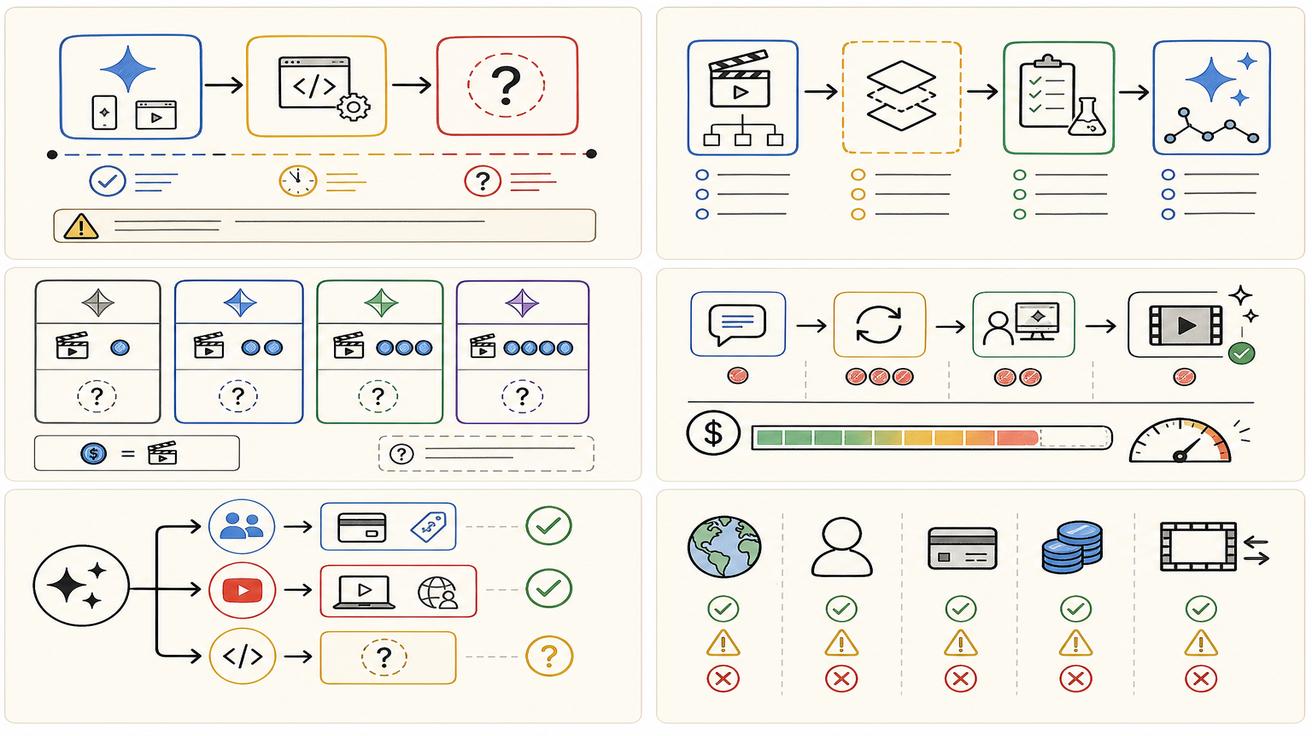
The official Gemini Omni announcement says the first model in the Omni family, Gemini Omni Flash, is rolling out to the Gemini app, Google Flow and YouTube Shorts. The same announcement says that in the coming weeks Google will also roll it out to developers and enterprise customers via APIs. That sentence is the core fact for developers. It confirms intent, but it does not by itself provide endpoint names, model IDs, pricing, rate limits, safety settings, availability regions or migration rules.
Google's Gemini video generation page gives consumer context. It says Gemini Omni is available to users 18 and older with Google AI Plus, Pro or Ultra in markets where the Gemini app is available, while some video-to-video editing features may be restricted by country. That helps explain app access, but it does not equal API availability.
The Google AI subscriptions page adds plan context. It lists Free, Plus, Pro and Ultra tiers and mentions access to video generation, Google Flow credits and Gemini Omni Flash in Flow for paid tiers. That is useful for product users and creative teams, but it should not be mistaken for a complete developer billing document.
What is not officially confirmed yet
Several developer details remain unknown or not officially confirmed in the sources checked. There is no final public model ID cited here for a production Gemini Omni API. There is no complete Gemini Omni API pricing table in the official pages reviewed. There is no migration document saying that every Veo API route is replaced by Gemini Omni. There is no universal statement that Veo is discontinued across all surfaces. The DeepMind Veo 3.1 page remains live.
Because of that, any article or sales page that says "Gemini Omni API is live for everyone" or "Veo API is dead" is going beyond the evidence. A better developer-safe headline is: Gemini Omni API access is planned; app and Flow rollout are live or rolling out; production API details still need official confirmation.
Developer access checklist
Before building with Gemini Omni in production, check the following official surfaces:
- Google AI Studio model list and documentation.
- Gemini API documentation and model IDs.
- Vertex AI release notes if your company uses Google Cloud.
- Google Flow documentation if your workflow is creative-studio oriented.
- Google AI plan and enterprise subscription pages.
- Safety, watermarking and content credentials requirements.
- Rate limits, quotas, regional availability and data policies.
- Billing units: credits, tokens, seconds, clips or enterprise pricing.
If a model is visible in a consumer app but not in your developer docs, do not assume it can be called from your backend. App availability and API availability are separate product surfaces.
API pricing signals versus confirmed pricing
The pricing picture is split. Consumer and creative users can learn something from the Google AI subscriptions page. It shows that Free, Plus, Pro and Ultra have different access levels, and that Flow credits are part of paid plan value. It also lists higher usage limits for paid tiers and significantly higher access for Ultra.
However, developer pricing is a different question. APIs are often priced by units such as input tokens, output tokens, generated seconds, compute time, credits or enterprise contract terms. The official sources checked here do not provide a final Gemini Omni API price table. Therefore the correct statement is: consumer plan access exists; Flow credits are documented by plan; developer API pricing is not officially confirmed in the reviewed sources.
For a more consumer-focused breakdown, see Gemini Omni Price: Is It Free or Paid? and Is Gemini Omni Free?.
Does Gemini Omni API replace Veo API?
Not officially confirmed. Google says Gemini Omni will replace Veo in the Gemini app. The app qualifier is essential. A Gemini app replacement does not automatically mean every Veo API or every Veo-based workflow is replaced on the same day.
Veo 3.1 documentation remains available on Google DeepMind. That does not guarantee every old route stays unchanged forever, but it does mean developers should wait for a proper migration announcement before changing production code. If Google later publishes a migration guide from Veo to Gemini Omni, that would be the time to update integrations, docs and customer-facing claims.
Safe architecture while waiting
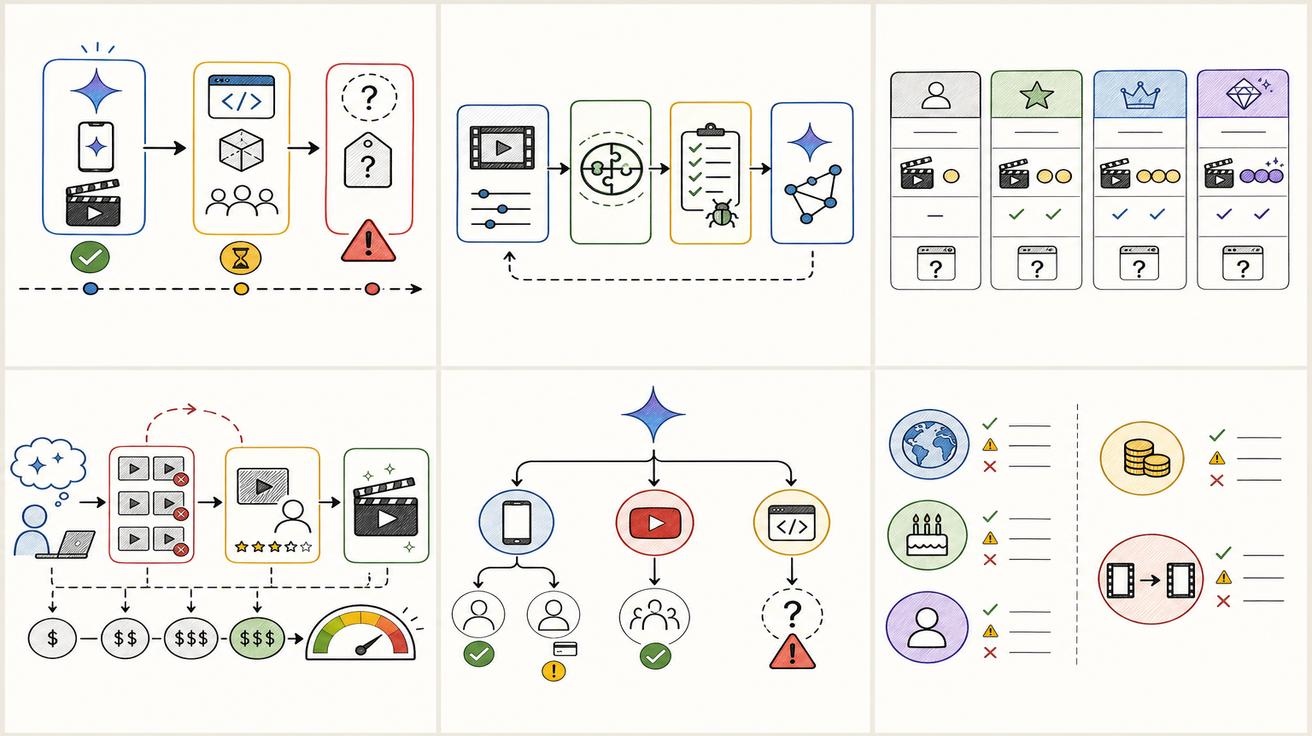
Developers can prepare now without overcommitting. Create a provider abstraction layer for video generation. Store model names, prompt templates, output metadata, safety flags and cost data separately from application logic. Keep retry logic and moderation logic provider-agnostic. Build a benchmark set of prompts that represent your real use cases: product demo, app preview, testimonial, explainer, image-to-video and editing an existing clip.
When Gemini Omni API documentation arrives, run that benchmark before shipping. Compare quality, latency, failure rate, policy behavior, audio, editing control, cost per usable clip and watermarking. A new model is not automatically better for every workflow. The best API is the one that meets your production constraints reliably.
Migration plan for teams using Veo today
First, identify your current dependency. Are you using a Gemini app workflow, Google Flow, a Google Cloud API, a third-party tool that mentions Veo, or only Veo-related prompts and tutorials? The answer determines the risk.
Second, document current behavior. Save model names, prompt formats, input types, output lengths, resolution, cost assumptions and acceptance criteria. Without a baseline, you will not know whether Omni is actually an improvement.
Third, separate consumer messaging from developer messaging. Marketing teams can say Google introduced Gemini Omni and that it replaces Veo in the Gemini app. Developer docs should say that API availability is pending official documentation unless and until Google publishes more detail.
Fourth, keep old Veo pages and docs live with update notes. Do not delete high-ranking Veo content just because Omni is the new headline. Users will search both names for months.
What to watch next
The most important next signal is a public Gemini Omni model page for developers: a model ID, pricing, request parameters, supported input types, output duration, audio support, safety controls, region support and quota rules. The second signal is whether Google updates Veo 3.1 documentation or publishes a Veo-to-Omni migration note. The third signal is whether Flow credits and API usage converge or remain separate.
Until those signals appear, treat Gemini Omni API as a near-term opportunity rather than a fully specified integration. That framing lets you move quickly without misleading users.
Bottom line
Gemini Omni API access is an important upcoming developer story, but the official sources reviewed here do not yet provide every detail a production team needs. Google has confirmed Omni Flash rollout across consumer and creative surfaces and says developer and enterprise APIs are coming. Pricing, model IDs and migration rules still need official documentation. Build your integration layer, preserve Veo context, and be ready to test Omni as soon as Google publishes the developer details.
Sample API readiness questions for product teams
Before a product manager signs off on a Gemini Omni API roadmap, the team should answer a concrete list of questions. What input types will be supported at launch: text, images, video, audio, or only a subset? What output durations and aspect ratios will be allowed? Will native audio be available through the same endpoint or a separate route? Will multi-turn editing be exposed through an API, or only through the Gemini app and Flow interfaces? How will safety refusals, partial failures and moderation callbacks be returned?
Pricing questions matter too. Will billing be per generated second, per credit, per request, per media token, or through enterprise contracts? Will failed generations cost the same as successful generations? Will video-to-video editing cost more than text-to-video? Will reference inputs increase cost? Will teams be able to set budget caps? None of these details should be invented before Google publishes documentation.
Operational questions are equally important. Can the API be used in every region? What are the rate limits? Are outputs stored by Google, and for how long? Can enterprises opt into different data handling terms? Are SynthID or C2PA credentials mandatory? Can developers retrieve metadata proving how the clip was generated? Those questions turn a model announcement into an engineering decision.
Example implementation plan once docs arrive
When official docs arrive, start with a sandbox integration. Do not connect customer traffic immediately. Build a small internal tool that calls the API with five repeatable prompts: a product shot, a person speaking, an app preview, an image-to-video scene and a video editing request. Store raw request parameters, returned metadata, latency, errors, output URL, output duration and estimated cost.
Next, compare Omni against your existing provider or Veo workflow. Use a blind review if possible. Score visual quality, prompt adherence, product fidelity, text rendering, audio quality, safety behavior, retry rate and cost per usable output. The winning model should be the one that performs best on your real production tasks, not the one with the newest launch name.
Finally, design a fallback path. Video models can fail because of policy, quota, outage, regional restrictions or prompt ambiguity. A robust product should be able to retry, switch providers, shorten prompts, ask the user for a safer input, or queue work for later. Gemini Omni may become a strong option, but no single provider should be the only path for a production feature.
How this affects SEO pages and docs
Developer-focused SEO pages should avoid pretending that the API is already fully available if it is not. The best structure is to answer the current question honestly: what Google announced, what is unknown, what developers should monitor, and how to prepare. That earns trust and can be updated quickly when the API details become public.
For internal documentation, add a status label: "Omni API: announced, pending full docs." Link to official Google sources and record the date checked. When docs change, update the status. This prevents outdated assumptions from spreading through sales, support and engineering teams.
Developer FAQ expansion
Developers also ask whether Gemini Omni will support batch generation, webhooks, asynchronous jobs and signed media URLs. Those details were not confirmed in the official pages reviewed here. Because video generation can be slow, many production systems prefer asynchronous APIs with job IDs and callbacks. If Google chooses a different pattern, integration design will change.
Another open question is asset ownership and retention. Teams should read terms carefully when they become available. If a workflow involves customer images, product footage, faces, voices or copyrighted media, data handling and consent are just as important as model quality.
The final open question is compatibility with existing Veo prompts. Some prompts may transfer well, but Omni's conversational editing model may reward different prompt structures. Treat prompt migration as testing work, not a copy-paste task.
Editorial note for fast-moving Google launches
This page is written as a live launch response. Google may update plan names, access rules, model availability or documentation after publication. The safest way to use this guide is to treat official Google pages as the source of truth and this article as an interpretation layer that explains what the current public sources mean for creators, developers and SEO teams. If Google publishes new API docs, a migration guide, or a revised pricing table, the recommendations should be reviewed before making production decisions.
<script type="application/ld+json"> { "@context": "https://schema.org", "@type": "Article", "headline": "Gemini Omni API: Availability, Pricing, and Developer Access", "description": "Gemini Omni API availability explained: what Google officially confirmed, what is still unknown, pricing signals, developer access, and safe migration steps.", "author": { "@type": "Person", "name": "Emma Chen" }, "publisher": { "@type": "Organization", "name": "Veo3AI", "url": "https://www.veo3ai.io" }, "mainEntityOfPage": { "@type": "WebPage", "@id": "https://www.veo3ai.io/blog/gemini-omni-api-availability-pricing-developer-access" }, "datePublished": "2026-05-20", "dateModified": "2026-05-20" } </script>
<script type="application/ld+json"> { "@context": "https://schema.org", "@type": "FAQPage", "mainEntity": [ { "@type": "Question", "name": "Is there a Gemini Omni API?", "acceptedAnswer": { "@type": "Answer", "text": "Google says developer and enterprise access for Gemini Omni Flash is coming in the coming weeks, but this article did not find a public production API migration guide or stable model ID in the official sources checked." } }, { "@type": "Question", "name": "Can developers use Gemini Omni today?", "acceptedAnswer": { "@type": "Answer", "text": "Developers should check official Google AI Studio, Gemini API, Vertex AI and enterprise documentation. Consumer rollout in Gemini app or Flow is not the same as production API availability." } }, { "@type": "Question", "name": "What will Gemini Omni API pricing be?", "acceptedAnswer": { "@type": "Answer", "text": "Official Gemini Omni API pricing was not confirmed in the sources checked. Google subscription pages show consumer and Flow plan access, not a complete developer API pricing table." } }, { "@type": "Question", "name": "Does Gemini Omni API replace Veo API?", "acceptedAnswer": { "@type": "Answer", "text": "Not officially confirmed. Google says Omni replaces Veo in the Gemini app; broader API replacement or migration details require separate official documentation." } }, { "@type": "Question", "name": "What should teams do before API access is confirmed?", "acceptedAnswer": { "@type": "Answer", "text": "Keep existing production workflows stable, build a provider abstraction layer, document Veo dependencies, and prepare a test suite for Omni once official API docs are released." } } ] } </script>
Related Articles
Continue with more blog posts in the same locale.

What is Google Veo 4?
Complete overview of Google Veo 4 AI video generator features, capabilities, and improvements over Veo 3.
Read article
How to Use Google Veo 4
Step-by-step guide to using Google Veo 4 AI video generator. Learn prompts, settings, and best practices for creating stunning AI videos.
Read article
Gemini Omni vs Veo Prompting: Why Omni Prompts Can Be Less Prescriptive
Learn why Gemini Omni prompting can be less prescriptive than Veo prompting, with practical prompt examples, workflow tips, and safe wording about the Veo transition.
Read article