
What Happened to Veo? Gemini Omni Replaces Veo in the Gemini App
Google says Gemini Omni will replace Veo in the Gemini app. Here is what changed, what did not, and what Veo users should do next.
Emma Chen · 14 min read · May 20, 2026
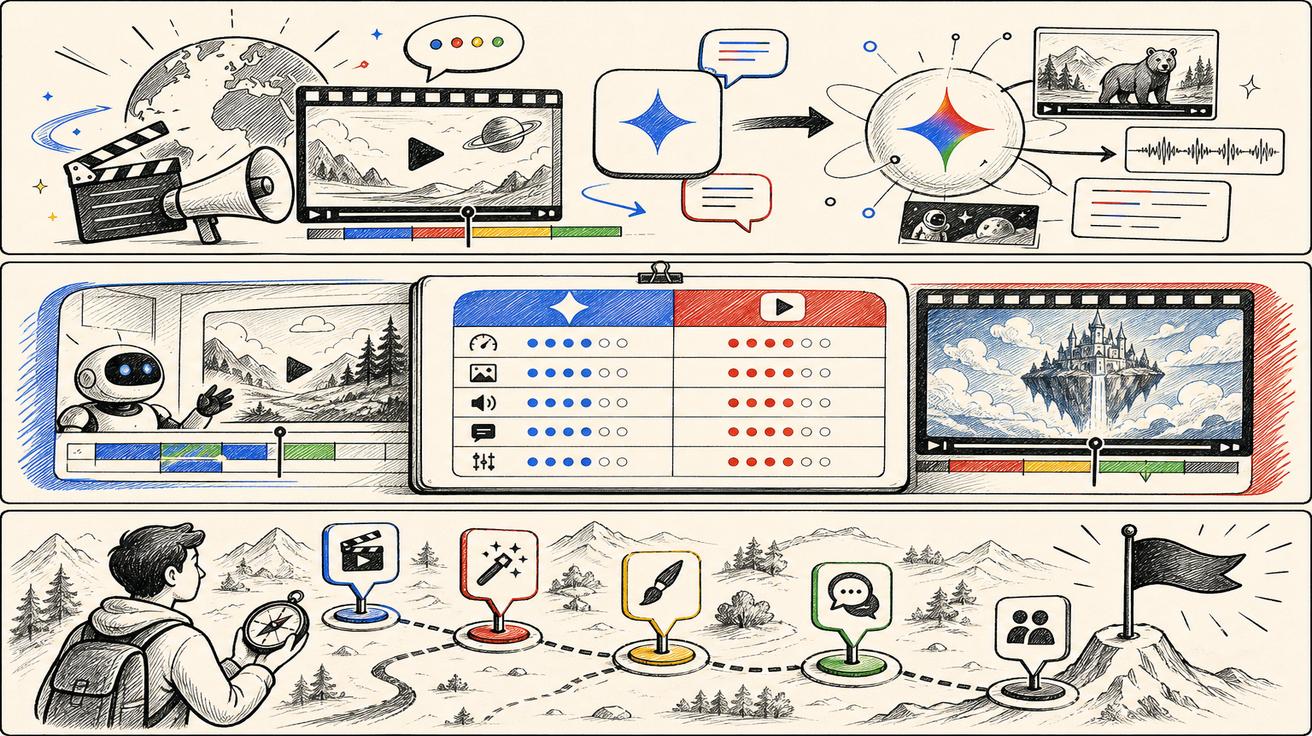
Short answer: Google has introduced Gemini Omni as its new video generation and editing model experience, and the official Gemini video generation page says Gemini Omni will replace Veo in the Gemini app. The important qualifier is in the Gemini app. The official sources checked for this update do not support the broader claim that Veo is dead everywhere, that every Veo API endpoint has disappeared, or that all Veo 3.1 documentation should be treated as obsolete today.
That distinction matters for creators, marketers, developers and SEO teams. A person opening the Gemini app may soon see Omni where they previously expected a Veo-branded video feature. A developer building a production video workflow still needs to check the specific API, Google Flow and enterprise documentation before assuming that a model ID, billing path or integration has changed. This guide explains what happened, what Google actually confirmed, what remains uncertain, and how to decide whether you need a Veo replacement right now.
Official sources checked for this update:
- Google Gemini video generation page, which says Gemini Omni will replace Veo in the Gemini app.
- Google Blog: Introducing Gemini Omni, which says Gemini Omni Flash is rolling out to the Gemini app, Google Flow and YouTube Shorts, with developer and enterprise API rollout planned in the coming weeks.
- Google Blog: Next evolution of the Gemini app, which describes Gemini Omni as a model for transforming text, images and video prompts into cinematic video outputs.
- Google DeepMind: Gemini Omni, which describes Omni's world understanding, multimodality, editing features, SynthID watermarking and C2PA credentials.
- Google DeepMind: Veo 3.1, which remains live and documents Veo 3.1 capabilities. This is why this article does not claim that Veo is globally discontinued.
What Google officially said
The most important official line is on Google's Gemini video generation page: Gemini Omni is presented as the latest video editing and generation model that will replace Veo in the Gemini app. The page describes Omni as a model that combines Gemini's core intelligence with advanced generative media capabilities, including image-to-video and video-based AI editing. It also describes Gemini Omni Flash as a multimodal AI video generation and editing model replacing the previous Google Gemini Veo 3.1 model in that app context.
Google's announcement blog adds more context. It says Gemini Omni is a new model family where Gemini's reasoning meets creation, starting with video. Google says the first model, Gemini Omni Flash, is rolling out to the Gemini app, Google Flow and YouTube Shorts. It also says developer and enterprise API availability will come in the coming weeks. That sentence is important because it suggests a rollout sequence rather than an instant universal replacement across every product surface.
Google's Gemini app blog frames the same launch from the consumer product side. It says Gemini Omni can transform text, image and video prompts into cinematic, high-quality video outputs. It emphasizes conversational editing, camera-roll footage, templates and avatars. In other words, this is not just a naming update. Google is positioning Omni as a more app-native creative system that can generate and edit video through natural language.
DeepMind's Gemini Omni page focuses on the model capabilities: world understanding, multimodality, editing, safety evaluation, SynthID watermarking and C2PA Content Credentials. Meanwhile, DeepMind's Veo 3.1 page remains online and continues to describe Veo capabilities and benchmark claims. That is the clearest reason to avoid an exaggerated "Veo is gone" angle.
What changed for regular Gemini app users
For users who generate video inside the Gemini app, the change is straightforward: the product surface is moving from Veo-branded video generation toward Gemini Omni. The practical expectation is that video creation becomes more conversational and editing-oriented. Instead of treating generation as a one-shot text-to-video prompt, Google is highlighting multi-turn editing, reference inputs, video-to-video changes and an assistant-like creative flow.
That shift is meaningful. Veo became known for high-quality generation, prompt adherence, physics and audio. Omni is being introduced as a broader creative layer that can reason over text, images, audio and video inputs. If the Gemini app is your main tool, the question is no longer only "Can I generate a video from a prompt?" It becomes "Can I start from my camera roll, an image, a text idea or another clip, then keep editing it in a conversation?"
The change also affects how people search. Expect queries such as "what happened to Veo," "Gemini Omni replaces Veo," "Omni vs Veo," "Veo replacement," and "is Veo discontinued" to spike because the naming shift is easy to misunderstand. Many users will see the word "replace" and infer a global shutdown. The safer interpretation is narrower: Google is replacing Veo with Omni in the Gemini app experience, while other Veo surfaces and documentation require separate checks.
What did not change, or is not confirmed yet
There are three things we should not overstate.
First, Google has not said in the official sources checked here that Veo technology is no longer used anywhere. Model families, product labels and app experiences often overlap during transitions. A user-facing feature can be renamed or replaced inside one product while related research, APIs or partner integrations continue under different documentation for some period.
Second, the official Google Blog language about APIs points to a staged rollout. It says Gemini Omni Flash is rolling out to consumer and creative surfaces now, and that developer and enterprise availability is coming in the coming weeks. That means builders should avoid making production decisions based only on consumer app wording. If your workflow depends on an API, wait for the relevant Google AI Studio, Vertex AI, Gemini API or enterprise documentation.
Third, DeepMind's Veo 3.1 page remains available. That does not prove every Veo route will stay unchanged, but it does mean that writing "Veo is dead" would be inaccurate and risky. The better wording is: Gemini Omni is Google's new Gemini app video model experience and is replacing Veo inside the Gemini app; broader Veo availability depends on each product and API surface.
Why Google may be moving from Veo branding to Gemini Omni
The move makes strategic sense. Gemini is Google's flagship assistant and multimodal model brand. Veo is a video model brand. As video generation becomes less isolated and more connected to chat, editing, avatars, images, audio and workflow automation, Google has an incentive to bring the user experience under the Gemini umbrella.
Omni also communicates a broader promise than Veo. The word suggests any input, any modality and a more continuous creative loop. That matches the official examples: conversation-based edits, images and videos as references, audio-informed edits, avatars and verification. Even if Veo remains relevant under the hood or in separate products, Gemini Omni gives Google a cleaner consumer story.
For SEO, this means the search landscape may split. Some users will still search for Veo 3.1 because they know the model name, want API access, or are comparing video generators. Others will search Gemini Omni because they saw the new Gemini app feature. A site like veo3ai.io should not abandon Veo pages, but it should add accurate Omni coverage quickly so users who are confused by the transition can find an answer.
What creators should do today
If you are a casual Gemini app user, try the new Omni experience if your account and region have access. Look for editing controls, reference input support, avatars and the new workflow Google describes. Do not assume that your old Veo prompt habits will produce identical outputs; treat Omni as a new editing-first interface and test the same prompt across several versions.
If you are a marketer or content team, build a short transition checklist. Identify which video tasks you use Veo for: product clips, explainer videos, social ads, image-to-video, translations, localizations or editing existing footage. Then test whether Omni improves any of those jobs. A model can be stronger for editing but not necessarily better for every production pipeline, especially if you need predictable templates, team review, brand controls or API automation.
If you are a developer, separate product news from integration news. Gemini app replacement language is not the same as a stable API migration guide. Watch for official API docs and model IDs. Until those docs are public, keep existing Veo integrations stable, document assumptions and avoid promising customers that Omni is available through every developer route.
If you are comparing alternatives, use the moment to define what you need. A "Veo replacement" can mean several things: a consumer video generator, an editing tool, an API for automated generation, a tool for product ads, a free trial workflow or a high-control image-to-video pipeline. The best alternative depends on which of those jobs matters.
How this affects existing Veo content and pages
For site owners, the worst response is to delete or rename existing Veo pages too quickly. Many users will still search for Veo 3, Veo 3.1, Veo pricing, Veo alternatives and Veo API. Google itself still hosts a Veo model page. Existing pages can be updated with a concise note explaining the Omni change, but URLs and rankings should be preserved unless there is clear evidence that a page is obsolete or harmful.
The best immediate response is to create a Gemini Omni cluster and connect it to existing Veo pages. A "what happened" article captures confusion. A comparison article captures evaluation searches. An alternatives guide captures commercial intent. Those three pages can then link to pricing, free tools, image-to-video and text-to-video comparison pages. That is safer than a broad rewrite of the whole site.
For veo3ai.io, the recommended internal links from this page are: Veo 3 pricing, Google Veo 3 pricing and free access, best free AI video generators, image-to-video tools, and text-to-video AI tools. These links help users move from breaking news to practical decisions.
What to watch next
The next signals to monitor are official API documentation, Google Flow availability, Gemini app rollout regions, plan limits and whether Google updates the Veo 3.1 page or related developer docs. If Google publishes a formal migration guide, that would justify stronger wording. Until then, the language should stay precise.
Also watch search behavior. "What happened to Veo" is likely an urgent news query. "Gemini Omni vs Veo 3.1" is a comparison query. "Gemini Omni alternatives" and "Veo replacement" are decision-stage queries. Each deserves a separate answer because the user intent is different. Combining all of them into one generic news post would dilute relevance.
Bottom line
Gemini Omni is a major Google video update, and Google says it will replace Veo in the Gemini app. That is a real change and a real SEO opportunity. But it is not proof that every Veo product, API or model reference is gone today. The accurate message is: Omni is taking over the Gemini app video experience, Veo 3.1 documentation still exists, and users should check the exact product surface they rely on before changing workflows.
Decision matrix: how to interpret the change
Use this simple matrix before changing your own workflow. If your use case is Gemini app video creation, treat Gemini Omni as the primary new experience and start testing immediately. If your use case is Google Flow creative production, watch Flow-specific Omni availability and limits, because Google mentions Flow in the rollout but Flow is not always identical to the Gemini app. If your use case is developer API automation, keep your current implementation stable until official API documentation names Omni availability, pricing, limits and migration steps. If your use case is SEO or education content, add a clear update note and create Omni-specific explainers without deleting older Veo pages.
This matrix prevents two common mistakes. The first mistake is underreacting: pretending nothing happened and continuing to answer only Veo queries while users begin searching for Gemini Omni. The second mistake is overreacting: changing every Veo page, redirecting established URLs or writing that Veo has disappeared. The best response sits between those extremes. Publish accurate Omni coverage quickly, link it to high-authority Veo pages, and wait for developer documentation before making technical migration claims.
A safe wording template for teams
If you need to brief a team or update a page, use wording like this: "Google has introduced Gemini Omni for video generation and editing, and Google's Gemini video generation page says Omni will replace Veo in the Gemini app. Google has also said Omni Flash is rolling out to the Gemini app, Google Flow and YouTube Shorts, with developer and enterprise availability expected in the coming weeks. Existing Veo 3.1 documentation remains available, so production workflows should verify their exact product or API surface before migrating."
That wording is intentionally precise. It gives users the important news, but it does not create false certainty. It also leaves room for Google to clarify the API story later. When a platform change is still unfolding, precision is not timid; it is the strongest way to keep trust.
Common misunderstandings to avoid
The first misunderstanding is that "replace" always means "discontinue everywhere." Product pages often use replacement language for a specific app or user flow. A consumer-facing label can change before every developer surface changes. The official Gemini page gives the app context; the Google Blog gives the rollout context; the DeepMind Veo page gives the continuity context.
The second misunderstanding is that Omni is only a rebrand. The official descriptions emphasize multi-turn editing, references, world understanding and a more Gemini-native creative workflow. Even if some underlying techniques are related to Veo, the product experience is not the same story. Users will expect to edit through conversation, combine inputs and move from prompt to refinement more naturally.
The third misunderstanding is that creators must immediately abandon Veo prompts. The better approach is to create a small comparison set. Take three prompts you already use: one text-to-video prompt, one image-to-video prompt and one editing request. Run them through the available Google surfaces in your account. Record quality, consistency, wait time, output limits, audio, watermarking and revision effort. That will tell you more than launch language alone.
How we will update this coverage
This article should be treated as a first-response explainer. The next updates should happen when Google publishes additional developer documentation, changes the Veo 3.1 page, expands Omni API availability, updates plan limits, or clarifies Flow versus Gemini app behavior. Each update should preserve the same rule: cite official Google sources first, then explain practical implications.
For now, the correct action for most readers is to test Omni if they use Gemini app video, keep existing Veo workflows stable if they depend on documented API or enterprise routes, and compare alternatives only when access, price, reliability or feature gaps require it. That is the most useful answer to "what happened to Veo" today.
<script type="application/ld+json"> { "@context": "https://schema.org", "@type": "Article", "headline": "What Happened to Veo? Gemini Omni Replaces Veo in the Gemini App", "description": "Google says Gemini Omni will replace Veo in the Gemini app. Here is what changed, what did not, and what Veo users should do next.", "author": { "@type": "Person", "name": "Emma Chen" }, "publisher": { "@type": "Organization", "name": "Veo3AI", "url": "https://www.veo3ai.io" }, "mainEntityOfPage": { "@type": "WebPage", "@id": "https://www.veo3ai.io/blog/what-happened-to-veo-gemini-omni-replaces-veo-in-gemini-app" }, "datePublished": "2026-05-20", "dateModified": "2026-05-20" } </script>
<script type="application/ld+json"> { "@context": "https://schema.org", "@type": "FAQPage", "mainEntity": [ { "@type": "Question", "name": "Did Google replace Veo with Gemini Omni?", "acceptedAnswer": { "@type": "Answer", "text": "Google says Gemini Omni will replace Veo in the Gemini app. That does not automatically mean every Veo API, Flow workflow, or underlying Veo reference is gone today." } }, { "@type": "Question", "name": "Is Veo 3.1 discontinued?", "acceptedAnswer": { "@type": "Answer", "text": "Not based on the official sources checked for this article. Google DeepMind still has a live Veo 3.1 model page, while Gemini Omni is described as the new Gemini app video creation and editing experience." } }, { "@type": "Question", "name": "What should Veo users do now?", "acceptedAnswer": { "@type": "Answer", "text": "Check where you use Veo: Gemini app users should expect Omni branding and features, while API, Flow, enterprise, or third-party users should watch Google documentation before changing production workflows." } }, { "@type": "Question", "name": "Can I still compare Veo alternatives?", "acceptedAnswer": { "@type": "Answer", "text": "Yes. The Omni rollout creates new search demand for Veo alternatives, especially for users who need API stability, different pricing, or a non-Gemini workflow." } }, { "@type": "Question", "name": "What is the safest headline for this news?", "acceptedAnswer": { "@type": "Answer", "text": "The safest headline is that Gemini Omni replaces Veo in the Gemini app, not that Veo as a whole is dead." } } ] } </script>
Related Articles
Continue with more blog posts in the same locale.

What is Google Veo 4?
Complete overview of Google Veo 4 AI video generator features, capabilities, and improvements over Veo 3.
Read article
How to Use Google Veo 4
Step-by-step guide to using Google Veo 4 AI video generator. Learn prompts, settings, and best practices for creating stunning AI videos.
Read article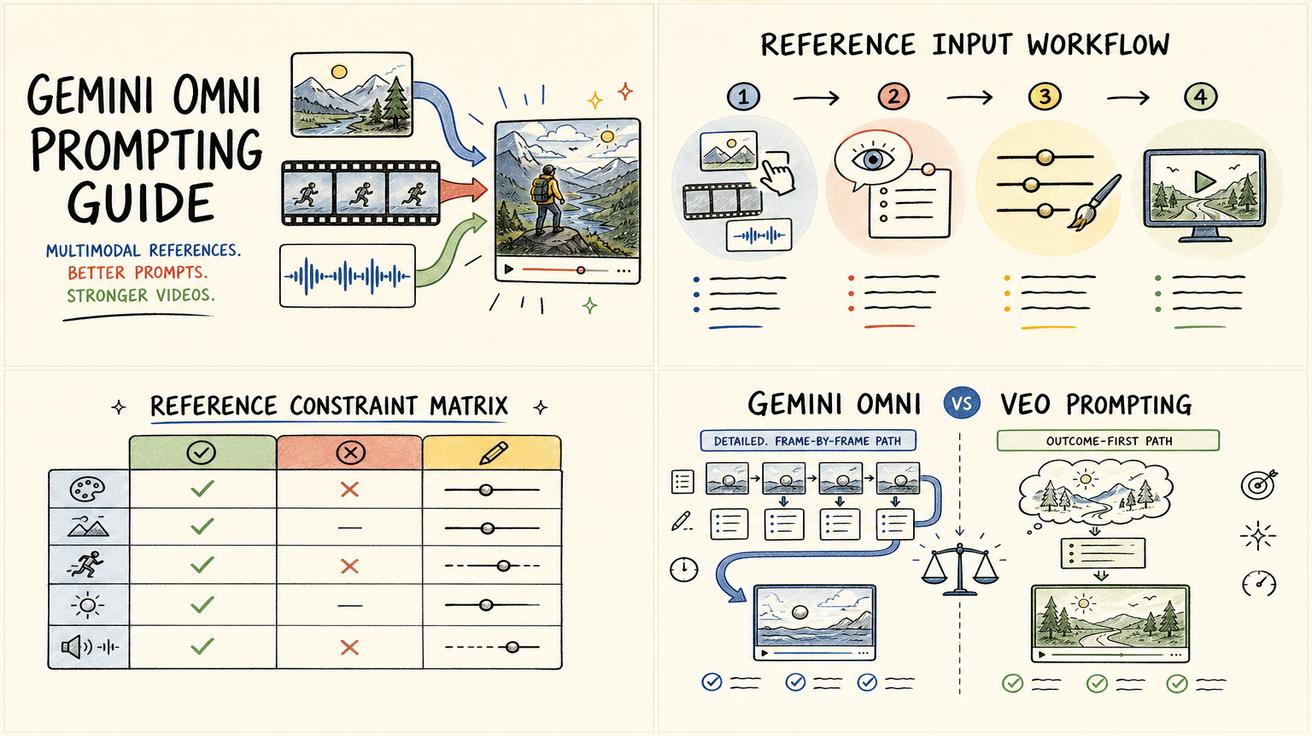
Gemini Omni vs Veo Prompting: Why Omni Prompts Can Be Less Prescriptive
Learn why Gemini Omni prompting can be less prescriptive than Veo prompting, with practical prompt examples, workflow tips, and safe wording about the Veo transition.
Read article