
Gemini Omni vs Veo 3.1: What Changed, Which Is Better?
Gemini Omni vs Veo 3.1 compared: video quality, editing, multimodal inputs, native audio, app access, and which workflow to use in 2026.
Emma Chen · 14 min read · May 20, 2026
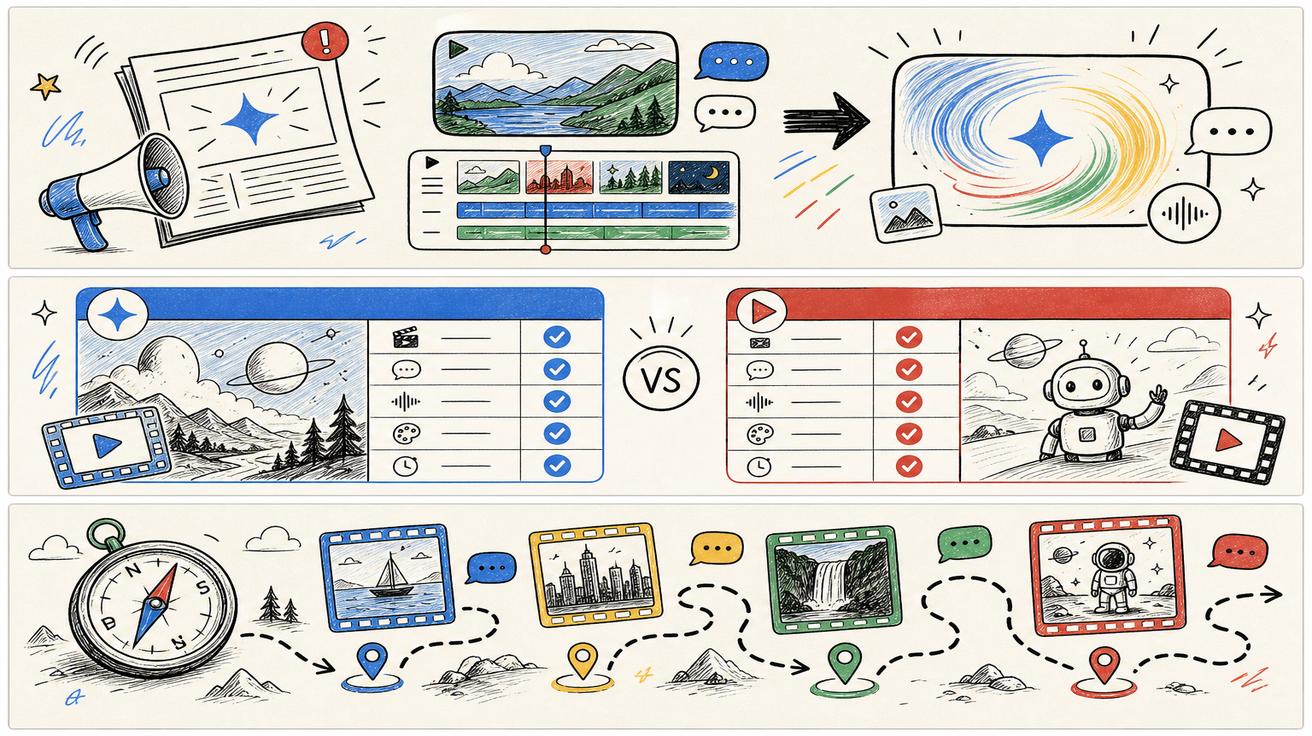
Google's Gemini Omni announcement created an immediate comparison question: is Gemini Omni just a new name for Veo, a successor to Veo 3.1, or a broader creative model that changes how Google video generation works? The accurate answer is more careful than the headlines. Official Google pages say Gemini Omni will replace Veo in the Gemini app and describe Gemini Omni Flash as the new Gemini video creation and editing experience. At the same time, Google DeepMind's Veo 3.1 page remains live and continues to document Veo's capabilities.
This article compares Gemini Omni and Veo 3.1 across product surface, input types, editing workflow, audio, API status, safety and practical use cases. The goal is not to declare one model dead. The goal is to help creators, marketers and developers understand what changed and where they should wait for more official documentation.
Official sources checked for this update:
- Google Gemini video generation page, which says Gemini Omni will replace Veo in the Gemini app.
- Google Blog: Introducing Gemini Omni, which says Gemini Omni Flash is rolling out to the Gemini app, Google Flow and YouTube Shorts, with developer and enterprise API rollout planned in the coming weeks.
- Google Blog: Next evolution of the Gemini app, which describes Gemini Omni as a model for transforming text, images and video prompts into cinematic video outputs.
- Google DeepMind: Gemini Omni, which describes Omni's world understanding, multimodality, editing features, SynthID watermarking and C2PA credentials.
- Google DeepMind: Veo 3.1, which remains live and documents Veo 3.1 capabilities. This is why this article does not claim that Veo is globally discontinued.
Quick comparison table
| Area | Gemini Omni | Veo 3.1 |
|---|---|---|
| Official positioning | Gemini-native video generation and editing model, starting with Omni Flash | Google DeepMind video generation model documented for realism, prompt adherence, audio and creative controls |
| Replacement claim | Google says Omni will replace Veo in the Gemini app | DeepMind Veo 3.1 page remains live |
| Main product surfaces | Gemini app, Google Flow, YouTube Shorts, with API rollout planned | DeepMind model page, Flow-related documentation and existing Veo search demand |
| Editing style | Conversational, multi-turn editing; video-to-video and reference-based changes | Strong generation and creative control, but not presented in the same app-native conversational framing |
| Inputs | Text, images, video and audio references are emphasized | Text-to-video, image-to-video, audio and creative controls are documented |
| Safety labels | SynthID and C2PA credentials highlighted for Omni outputs | Veo content safety and SynthID ecosystem remain relevant through Google AI tooling |
| Best immediate use | Gemini app users who want a new editing-first creative flow | Users comparing established Veo 3.1 capabilities, pricing, API or existing workflows |
Product surface: Gemini app versus broader model documentation
The cleanest way to understand the change is by product surface. Gemini Omni is the new video experience Google is emphasizing inside the Gemini ecosystem. Google's Gemini video generation page uses replacement language for the Gemini app. The Google Blog says Gemini Omni Flash is rolling out to the Gemini app, Google Flow and YouTube Shorts. The Gemini app blog describes it as part of the next evolution of Gemini, alongside new interface and agent features.
Veo 3.1, however, still exists as a documented model page on Google DeepMind. That page describes Veo's realism, prompt following, creative control and native audio. It includes benchmark sections and capability descriptions. If Google intended the public to believe Veo had disappeared entirely on launch day, the existence of that official page would be confusing. The more reliable reading is that Omni is replacing Veo in some user-facing Gemini surfaces, while Veo as a model family or reference point still matters in other contexts.
For SEO and user guidance, this means the headline should include the qualifier. "Gemini Omni replaces Veo in the Gemini app" is accurate. "Gemini Omni kills Veo" is not supported by the official sources checked here.
Workflow: generation-first versus editing-first
Veo 3.1 is widely understood as a high-quality video generation model. The official DeepMind page highlights realism, prompt adherence, audio, physics and creative control. The classic user mental model is prompt-in, video-out, with refinements depending on the interface.
Gemini Omni is presented with a more editing-first story. Google describes conversation-based video editing where each instruction builds on the last. You can ask to change a background, alter an object, use references, adjust a camera angle or transform a scene. This is a shift from a generation model as a single output engine to a creative assistant that keeps context over a multi-turn editing session.
That matters for real workflows. A social creator may start with phone footage, ask Omni to reimagine the scene, then refine a cut. A marketer may use product photos, a script and a short reference clip to create a campaign video. A developer may still care less about the app editing flow and more about whether a reliable API exists. The difference is not only model quality; it is the workflow wrapper around the model.
Inputs: text, image, video and audio references
Both Veo 3.1 and Omni sit in Google's multimodal video world, but Omni is being promoted around "any input" creative composition. Google's announcement says Omni can combine images, audio, video and text as input and generate high-quality videos grounded in Gemini's real-world knowledge. It also describes reference-based creation and future support for additional audio inputs.
Veo 3.1 documentation also includes text-to-video, image-to-video, audio and advanced controls. The difference is emphasis. Veo's page is a model performance and capability page. Omni's launch story is about a unified creative interface: upload, ask, edit, refine and verify.
For creators, the practical test is not just whether both can accept an image. The question is whether the interface lets you keep a character, change only one element, use a previous video as a motion reference, and refine the result in plain language without restarting. Google's Omni examples are designed to answer that question.
Audio and avatars
Google says Omni Flash is starting with video and supports creative workflows that may include audio. The announcement discusses audio references and the limits of responsible rollout. The Gemini app blog also highlights avatars that can look and sound like the user, with safety constraints.
Veo 3.1's page highlights native audio generation, including sound effects, ambient noise and dialogue. It also presents audio-video alignment as a performance dimension. That means Veo should not be dismissed as less capable just because Omni is newer. The relevant question is which surface provides the feature you need right now: consumer app editing, Flow, Shorts, or a future API.
API and enterprise readiness
This is the most important section for developers. Google Blog says Gemini Omni Flash is rolling out to Gemini app, Flow and YouTube Shorts now, and that developer and enterprise APIs are coming in the coming weeks. That is not the same as a migration guide, model ID, pricing table or production SLA.
If you are building a video feature for customers, do not rip out an existing Veo integration based only on app replacement language. Wait for official API documentation. Track whether Omni appears in Google AI Studio, Vertex AI, Gemini API docs or enterprise release notes. Document which model, endpoint and billing route you use today.
For users comparing Veo 3 pricing, Google Veo 3 free access, or text-to-video AI tools, API timing can be the deciding factor. Omni may be the future of Gemini app video creation, but a stable alternative may still be better for a production workflow today.
Which model should you use?
Use Gemini Omni if your main goal is app-based creative editing, especially if you want to start from a mix of text, images or footage and keep refining through conversation. It is also the obvious place to experiment if you are already paying for Google AI plans and your region has access.
Keep using or researching Veo 3.1 if you need to understand the established Google video model capabilities, compare benchmarks, evaluate pricing, or maintain an existing workflow. The official Veo page remains a legitimate source for those questions. If your team uses Veo through Flow or another product route, check that route directly before changing process.
Compare alternatives if you need something Google does not currently provide in your account, region, price tier or integration stack. A "Veo replacement" can mean an API, a free web generator, a mobile editing workflow, a product-video tool, or an enterprise pipeline. For broader options, see our best free AI video generators and image-to-video tools guides.
SEO implication for Veo-related sites
The Omni launch does not make every Veo article obsolete. It creates a new cluster that should connect to existing Veo pages. Pages about Veo pricing, Veo free access, Veo alternatives and Veo prompt workflows still answer active questions. The update is that many of those pages now need a short note explaining Gemini Omni's role in the Gemini app.
A safe content architecture is: one breaking-news explainer, one Omni-vs-Veo comparison, one alternatives guide, and later a hub at /gemini-omni or /blog/gemini-omni. The hub can route users based on intent: confused users to the explainer, evaluators to the comparison, and buyers or creators to alternatives.
Bottom line
Gemini Omni and Veo 3.1 should not be treated as a simple old-versus-new swap everywhere. Google says Omni replaces Veo in the Gemini app, and Omni is clearly the new Gemini-native video creation and editing story. But Veo 3.1 documentation remains live, and API availability for Omni is still a rollout item. Use Omni for the new Gemini app workflow, keep Veo context for established model and pricing questions, and monitor official developer docs before making production changes.
Side-by-side scenario testing
A fair comparison should use scenarios, not only feature names. Start with a simple product prompt: a short clip of a product on a table with natural camera movement and realistic lighting. Veo-style evaluation should look at realism, prompt adherence, physics and whether the output has native audio. Omni-style evaluation should also ask whether you can take the first result and keep refining it conversationally: change the background, adjust the camera, keep the product consistent and add a reference style.
Next, test an image-to-video scenario. Upload a product photo, app screenshot or portrait and ask for a short promotional clip. Score whether the model preserves important details. A strong generator that changes a product logo, screen text or facial identity may be unacceptable for commercial use. Omni's promise around references and editing is valuable only if it preserves the details that matter to your workflow.
Finally, test an editing scenario. Start with existing footage and ask for a targeted change. This is where Omni's positioning is most different. If a model can modify a scene without restarting the whole creative process, it may save more time than a model that produces a beautiful first clip but requires repeated regeneration for small changes.
How to read Google's rollout language
Google's language creates three timelines. The first timeline is consumer access: Gemini app, Flow and YouTube Shorts rollout. The second timeline is developer and enterprise access: coming in the following weeks according to the announcement. The third timeline is documentation cleanup: older Veo pages, model cards and support articles may remain live while new Omni pages expand.
Those timelines are normal in platform transitions. SEO teams should not wait for every document to settle before publishing; they should publish accurate coverage now. Developers, however, should not treat consumer rollout as an API migration guide. The same news has different implications for different audiences.
Practical scoring framework
Score Gemini Omni and Veo 3.1 against seven criteria. Access asks whether your plan and region can use it. Control asks how well you can direct camera, motion, style and edits. Consistency asks whether characters, products and scenes remain stable. Audio asks whether dialogue, sound effects and ambient sound match the clip. Editing asks whether you can revise the same output without restarting. Integration asks whether a documented API or team workflow exists. Transparency asks whether watermarking, SynthID or C2PA requirements fit your publishing context.
Using that framework, Omni may win for app-native editing and multi-input creative work. Veo 3.1 may remain relevant for existing benchmark comparisons, known workflows and users who still rely on Veo-specific documentation. Alternatives may win when cost, availability, speed or API readiness matters more than staying inside Google's ecosystem.
Recommendation for veo3ai.io readers
If you came here because you searched "Omni vs Veo," start with the official distinction: Omni is replacing Veo in the Gemini app, but the Veo 3.1 page still exists. Then choose your path. If you are a creator, test Omni. If you are a developer, wait for API docs. If you are a marketer, update your content calendar and comparison pages without breaking older URLs. If you need a tool today, compare across our alternatives and free generator guides rather than assuming a single Google model is the only path.
The best strategic response is not to choose one word and abandon the other. For the next few months, users will search both Gemini Omni and Veo. A strong information architecture answers both sets of questions and explains the transition clearly.
Measurement plan after the announcement
For the next seven days, track three signals separately: searches for Gemini Omni, searches for Veo replacement, and searches for Veo 3.1 pricing or access. Do not blend them into one bucket. Omni searches indicate news and curiosity. Veo replacement searches indicate switching intent. Veo pricing searches indicate existing demand that should still be served by older pages. This separation helps teams avoid rewriting pages that still match active user intent.
If Omni pages begin ranking, add contextual links from older Veo pages rather than replacing the old pages. If old Veo pages continue getting clicks, preserve them and add a concise update banner. If Google later publishes API migration details, create a technical migration article instead of overloading this comparison page.
<script type="application/ld+json"> { "@context": "https://schema.org", "@type": "Article", "headline": "Gemini Omni vs Veo 3.1: What Changed?", "description": "Compare Gemini Omni and Veo 3.1 across app availability, editing, multimodal inputs, audio, API timing, and what Google officially confirmed.", "author": { "@type": "Person", "name": "Emma Chen" }, "publisher": { "@type": "Organization", "name": "Veo3AI", "url": "https://www.veo3ai.io" }, "mainEntityOfPage": { "@type": "WebPage", "@id": "https://www.veo3ai.io/blog/gemini-omni-vs-veo-3-1-what-changed" }, "datePublished": "2026-05-20", "dateModified": "2026-05-20" } </script>
<script type="application/ld+json"> { "@context": "https://schema.org", "@type": "FAQPage", "mainEntity": [ { "@type": "Question", "name": "What is the biggest difference between Gemini Omni and Veo 3.1?", "acceptedAnswer": { "@type": "Answer", "text": "Based on official Google pages, Omni is positioned as a Gemini-native video creation and editing model with conversational editing and multimodal inputs, while Veo 3.1 is documented as a high-quality video generation model with strong realism, prompt adherence and audio." } }, { "@type": "Question", "name": "Does Gemini Omni replace Veo 3.1 everywhere?", "acceptedAnswer": { "@type": "Answer", "text": "No official source checked here says that. Google says Omni replaces Veo in the Gemini app, while DeepMind still hosts Veo 3.1 documentation." } }, { "@type": "Question", "name": "Is Gemini Omni available through APIs?", "acceptedAnswer": { "@type": "Answer", "text": "Google says developer and enterprise API rollout is coming in the coming weeks. Builders should wait for official API documentation before changing production integrations." } }, { "@type": "Question", "name": "Which is better for editing existing footage?", "acceptedAnswer": { "@type": "Answer", "text": "Gemini Omni appears more directly positioned for conversational video editing and video-to-video changes in the Gemini app." } }, { "@type": "Question", "name": "Which is better for stable production workflows today?", "acceptedAnswer": { "@type": "Answer", "text": "If your existing workflow depends on a documented Veo route or another API, keep it stable until Google publishes specific Gemini Omni developer details." } } ] } </script>
Related Articles
Continue with more blog posts in the same locale.

What is Google Veo 4?
Complete overview of Google Veo 4 AI video generator features, capabilities, and improvements over Veo 3.
Read article
How to Use Google Veo 4
Step-by-step guide to using Google Veo 4 AI video generator. Learn prompts, settings, and best practices for creating stunning AI videos.
Read article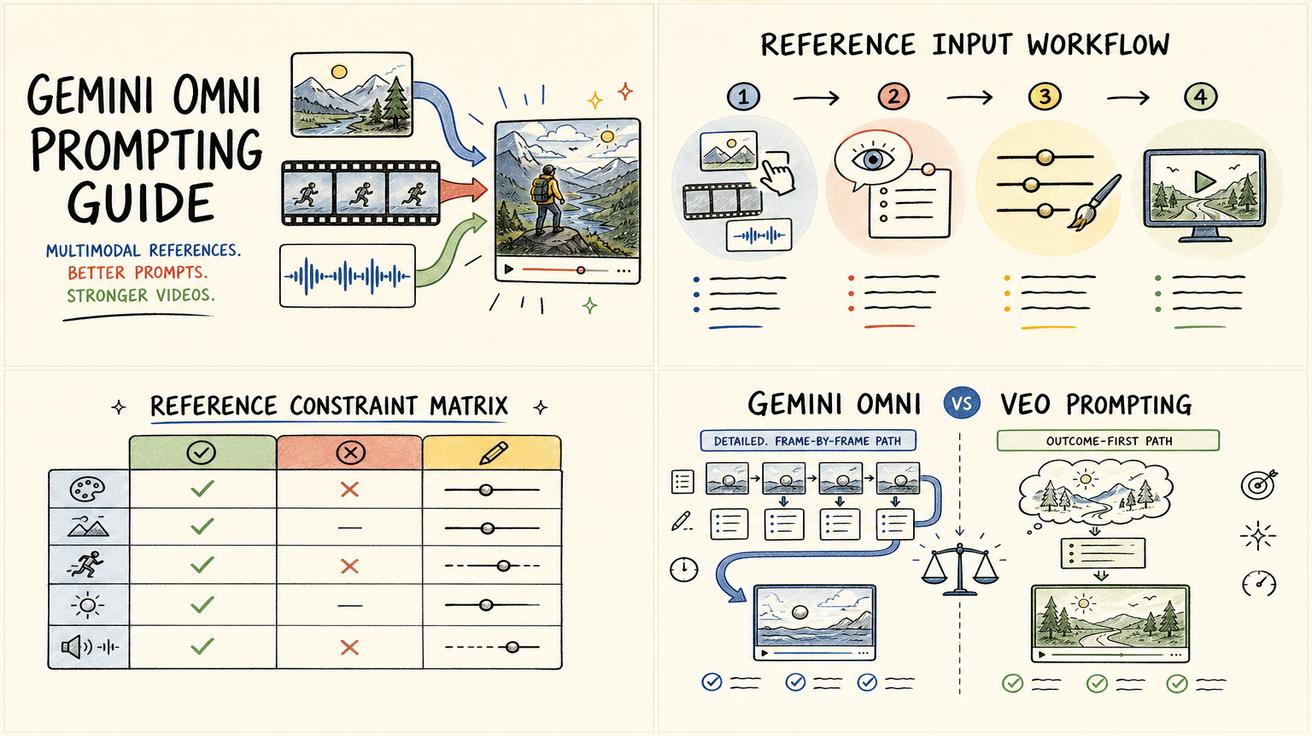
Gemini Omni vs Veo Prompting: Why Omni Prompts Can Be Less Prescriptive
Learn why Gemini Omni prompting can be less prescriptive than Veo prompting, with practical prompt examples, workflow tips, and safe wording about the Veo transition.
Read article